Text to Photo
Text to Photo: turn a sentence into a finished photograph
Free early access — no credit card.
What is text-to-photo generation?
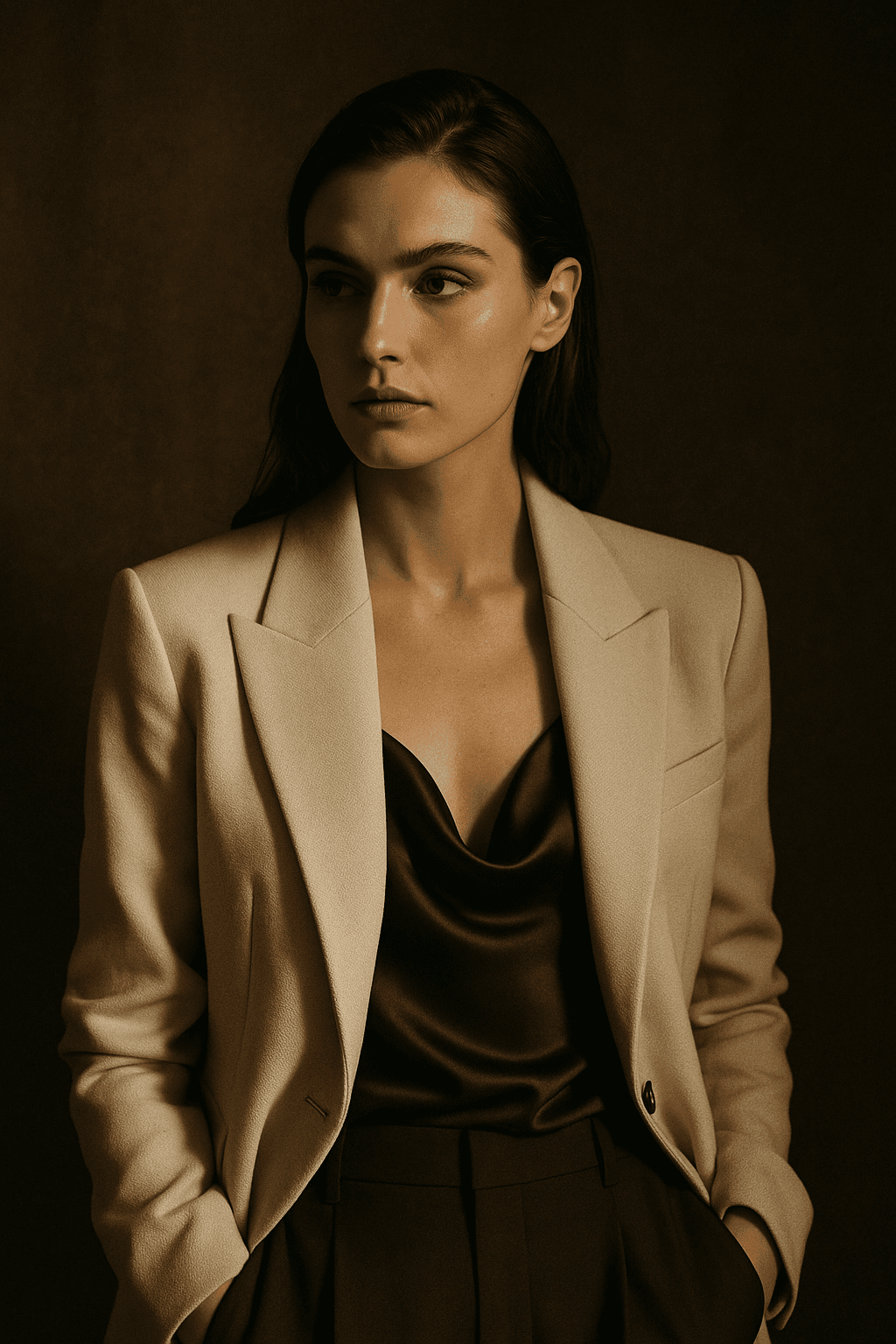
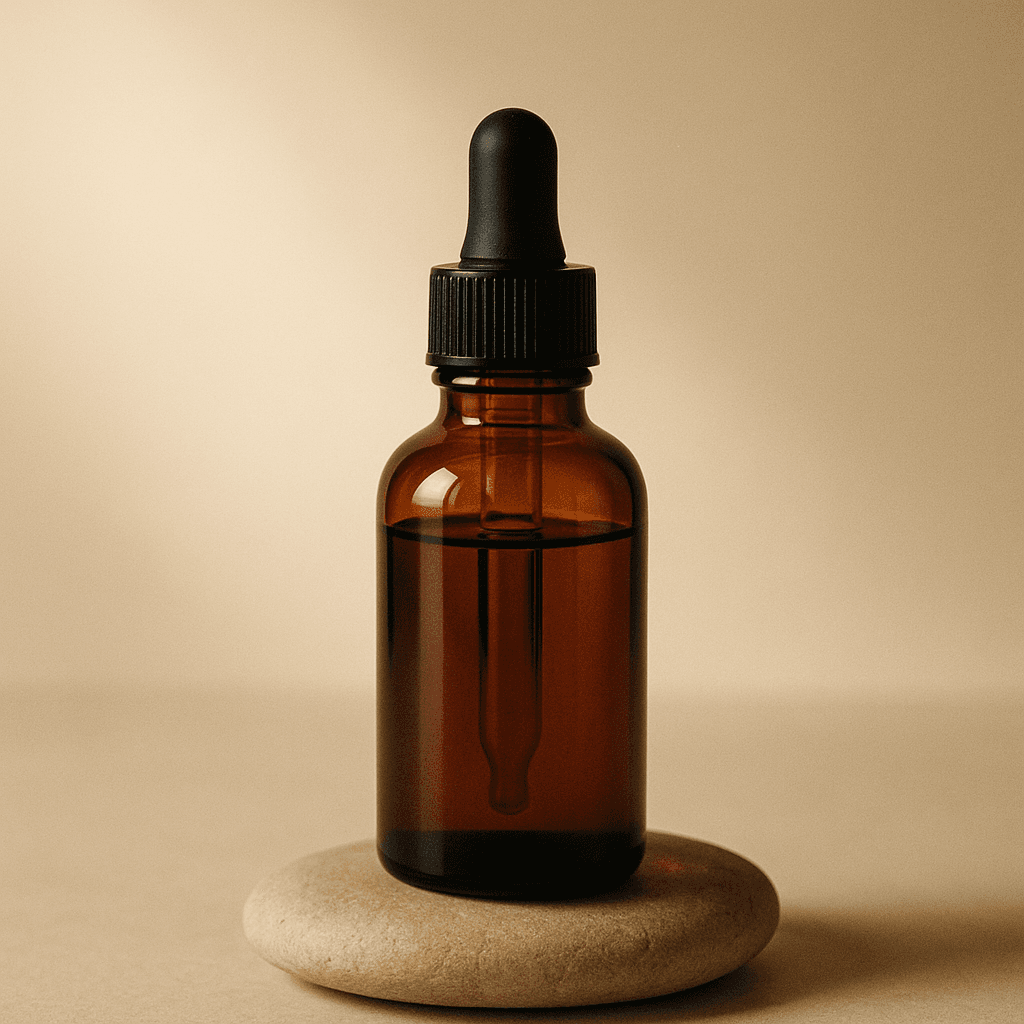
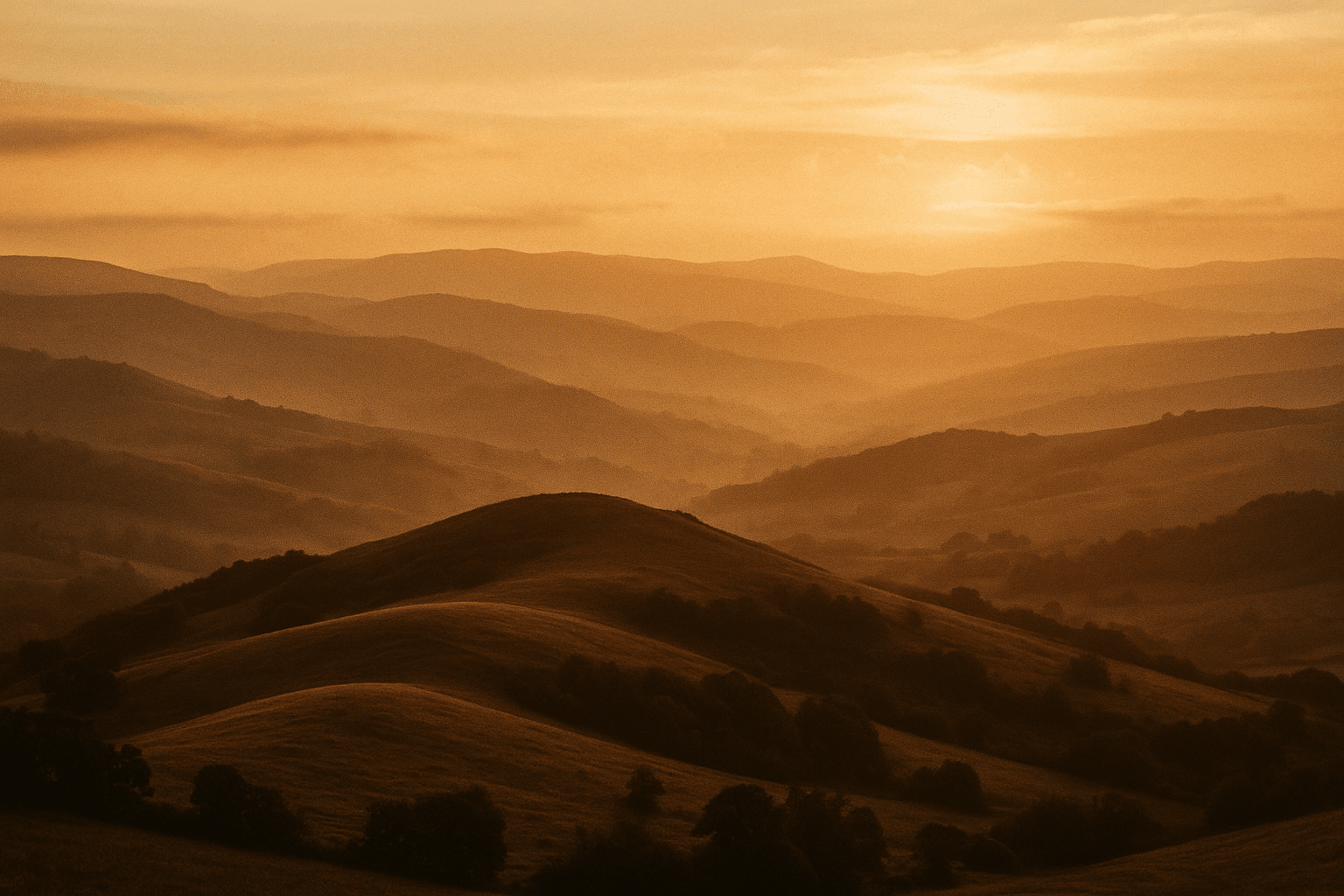
Text-to-photo — also called text-to-image — is the core of modern AI photo creation. You write a description (the subject, setting, lighting, and style) and a generative model produces a brand-new image that matches it. Because the picture is synthesized rather than retrieved, you can make things that have never been photographed.
The terms "photo" and "image" are used interchangeably here: a text-to-photo generator and a text-to-image generator are the same kind of tool, and LaFoto.ai is designed to do both — from photorealistic shots to cleaner, graphic looks — depending on how you prompt it.
Why create AI photos from text?
AI photo creation collapses the distance between an idea and a usable visual. Instead of booking a shoot or trawling stock sites, you type what you need and iterate in seconds. That makes it practical for marketers, store owners, and creators who need fresh visuals on a deadline.
It also gives you creative range a camera cannot: any setting, any lighting, any season, on demand. LaFoto.ai is built to keep that power approachable, so a clear sentence is enough to get a strong first result — and a few tweaks get you the rest of the way.
How it works
Text to Photo
- 01
Describe it
Write a prompt: the subject first, then the setting, lighting, and style. The more specific you are, the closer the result lands to your intent.
- 02
Generate options
LaFoto.ai is designed to return several variations so you can compare directions instead of betting on a single try.
- 03
Refine the winner
Pick the closest image and refine it — adjust the prompt, change one detail, or edit the result directly rather than starting over.
Use cases
Social content
Spin up on-brand post graphics, thumbnails, and hero images to keep a publishing calendar full.
Concepts & mockups
Visualize an idea — a scene, a setting, a mood — before committing time or budget to production.
Marketing creative
Generate campaign directions and A/B variations to test what resonates before you scale it.
Blog & article art
Create custom, relevant imagery for articles instead of relying on generic stock photos.
Frequently asked questions
- What is text to photo?
- Text to photo (or text to image) is generating a brand-new picture from a written description. You type what you want and an AI photo generator renders it — useful when you have an idea but no source image to start from.
- Is a text-to-photo generator the same as a text-to-image generator?
- Yes. "Photo" and "image" are used interchangeably; both describe a tool that turns a prompt into a picture. LaFoto.ai is designed to handle photorealistic photos and more graphic images alike, depending on how you prompt it.
- How do I create a good AI photo from text?
- Be specific and structured: name the subject, the setting, the lighting, and the style, ordered from most to least important. Generate a few variations, then refine the closest one rather than expecting a perfect first try.
- Can I edit the photo after generating it?
- Yes — LaFoto.ai is built so you can refine a finished photo in place (adjusting details or backgrounds) instead of re-rolling the whole image to fix one thing. See the AI photo editor for more.
- Is LaFoto.ai available yet?
- LaFoto.ai is pre-launch and launching in 2026. Join the waitlist for free early access to the text-to-photo generator when it opens.
Be first when the doors open
Join the waitlist for early access to LaFoto.ai.
We're putting the finishing touches on the studio. Add your email and you'll be among the first invited in.
Joining 4,200+ creators already on the waitlist